Payroll Hours Calculator: Simplify Work Time Tracking and Accurate Payroll
A payroll hours calculator helps you quickly compute total work hours, overtime, and pay—without manual mistakes. It ensures accurate payroll processing, saves time, and improves compliance with labor regulations. Whether you're a freelancer, HR manager, or business owner, this tool simplifies time tracking and boosts efficiency.
What Is a Payroll Hours Calculator?
A payroll hours calculator is a digital or manual tool designed to calculate total hours worked by employees within a specific period. It factors in:
- Start and end times
- Break deductions
- Overtime hours
- Pay rates
By automating these calculations, it reduces human error and ensures employees are paid correctly and on time.
Why Is It Important for Businesses?
Accurate time tracking is critical for payroll management. Even small errors can lead to financial discrepancies and employee dissatisfaction.
Key Benefits
- Accuracy: Eliminates manual calculation mistakes
- Time-saving: Automates repetitive tasks
- Compliance: Helps meet labor laws and wage standards
- Transparency: Builds trust with employees
Businesses that rely on precise time tracking often experience smoother payroll cycles and fewer disputes.
How Does It Work?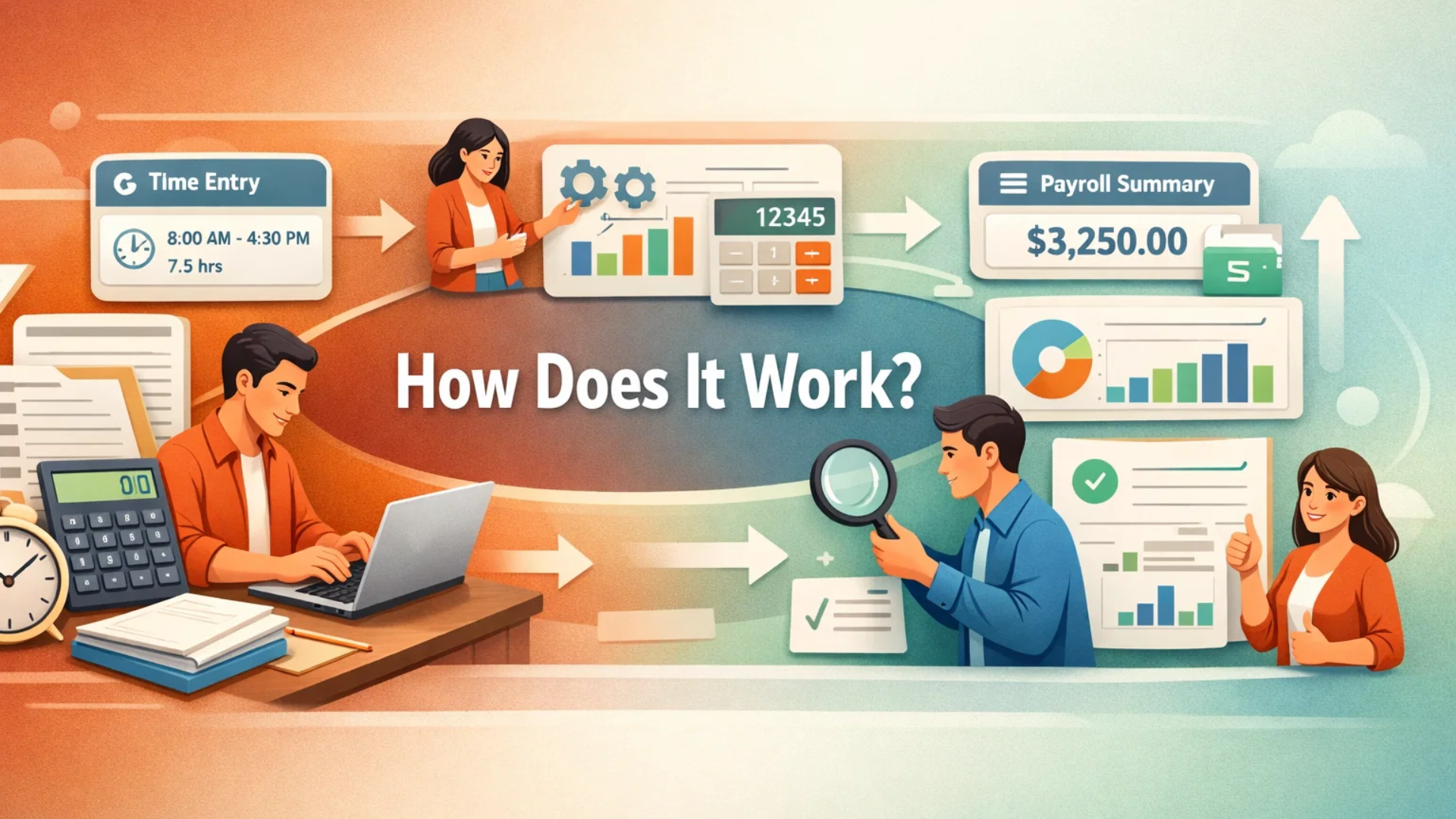
A payroll hours calculator typically follows a simple process:
- Enter employee clock-in and clock-out times
- Subtract unpaid breaks
- Calculate total hours worked
- Add overtime (if applicable)
- Multiply by hourly wage
The result is an accurate payroll figure ready for processing.
Features to Look For in a Good Calculator
When choosing a tool, consider features that improve efficiency and usability:
Essential Features
- Automatic overtime calculation
- Multiple time format support (12-hour/24-hour)
- Break time deductions
- Weekly and biweekly tracking
- Export or reporting options
Advanced Features
- Integration with payroll software
- Multi-employee tracking
- Custom pay rates
- Cloud-based access
These features ensure flexibility for both small and large teams.
Who Should Use It?
A payroll calculator isn’t just for large companies. It’s useful for:
- Freelancers tracking billable hours
- Small business owners managing staff payroll
- HR professionals handling multiple employees
- Contractors calculating project-based hours
Anyone who needs accurate time tracking can benefit from using a payroll hours calculator.
Common Mistakes to Avoid
Even with automation, errors can still occur if inputs are incorrect.
Avoid These Pitfalls
- Entering incorrect time formats
- Forgetting to subtract break times
- Ignoring overtime rules
- Not verifying final calculations
Double-checking inputs ensures maximum accuracy.
How a Working Hours Calculator Complements Payroll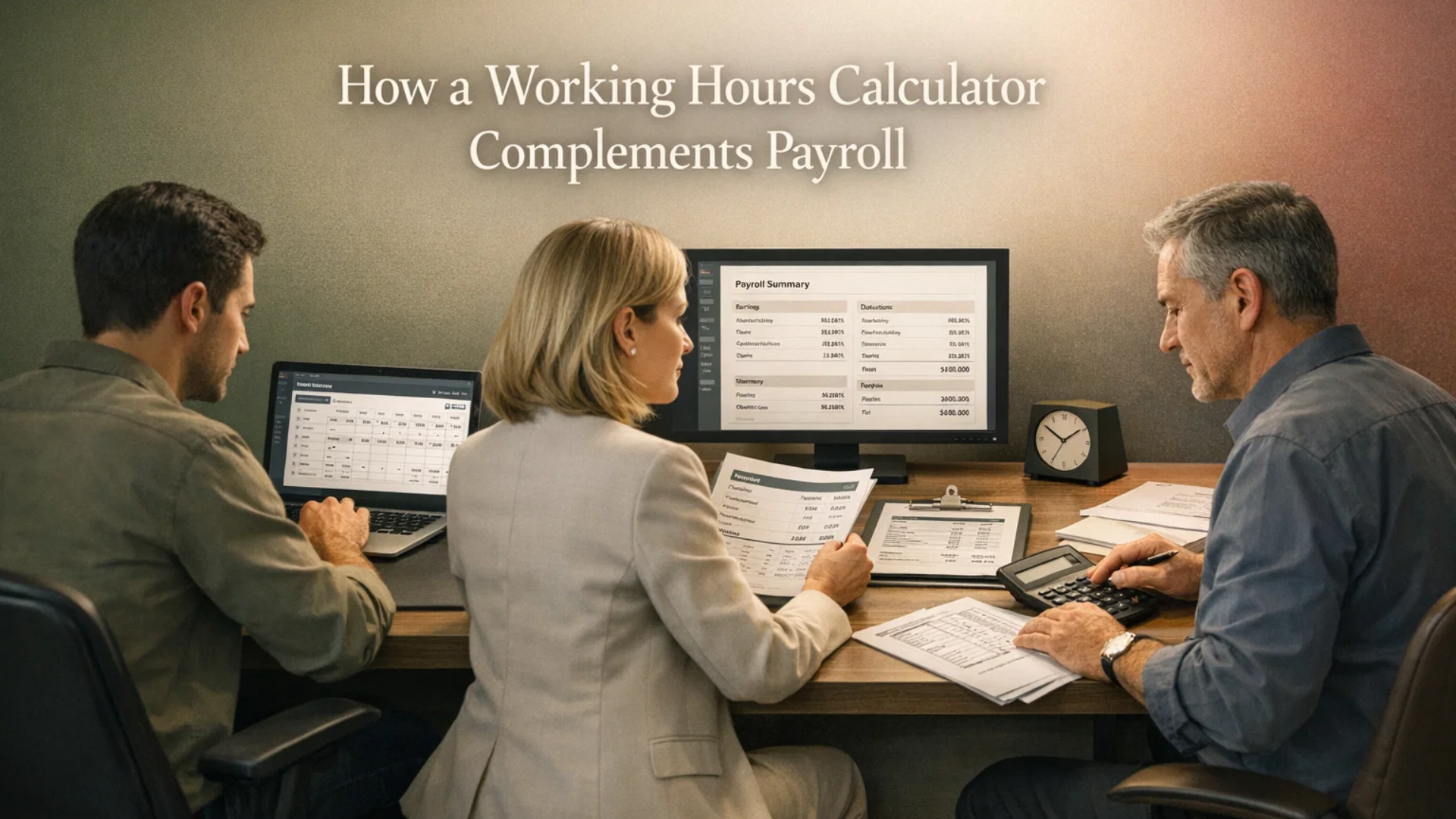
While payroll tools focus on pay computation, a working hours calculator is designed specifically for tracking time.
It helps you:
- Monitor daily and weekly work hours
- Identify productivity patterns
- Ensure proper shift management
- Reduce time-tracking errors before payroll processing
Using both tools together creates a seamless workflow from time tracking to salary calculation.
Tips to Improve Payroll Efficiency
Improving payroll accuracy doesn’t require complex systems—just smarter processes.
Practical Tips
- Use digital tools instead of manual logs
- Standardize time entry formats
- Train employees on proper time tracking
- Review calculations regularly
- Automate repetitive tasks
These small changes can significantly reduce errors and save time.
Future of Payroll Calculation
With advancements in technology, payroll systems are becoming smarter and more automated. AI-driven tools can now:
- Detect anomalies in work hours
- Predict payroll costs
- Integrate with attendance systems
- Provide real-time analytics
This evolution is helping businesses move toward faster and more reliable payroll processes.
You can also watch this video: Emp Monitor | Boost Workplace Productivity with Employee Monitoring Software.
Summary
A Payroll Hours Calculator : Simplify Work Time Tracking and Accurate Payroll is an essential tool for businesses and freelancers aiming to streamline time tracking and payroll processing. It automates the calculation of total work hours, overtime, and wages, reducing manual errors and saving valuable time. By improving accuracy and ensuring compliance with labor standards, it helps build trust with employees while enhancing overall operational efficiency. When combined with proper time-tracking practices, it creates a reliable and scalable payroll system for any organization.
FAQ Section
1. What is the main purpose of a payroll calculator?
It calculates total work hours, overtime, and wages to ensure accurate employee payments.
2. Can small businesses use it effectively?
Yes, it is especially useful for small businesses to reduce manual errors and save time.
3. Does it calculate overtime automatically?
Most modern tools include automatic overtime calculation based on predefined rules.
4. Is it better than manual calculation?
Absolutely. It reduces errors, speeds up processing, and improves accuracy.
5. How often should payroll calculations be reviewed?
It’s best to review them every pay cycle to ensure accuracy and compliance.
Comments
Post a Comment