Time Click Calculator Explained: The Simple Way to Measure Work Hours
Have you ever finished a shift and wondered, “How many hours did I actually work today?” That question matters more than most people realize. Whether you are an employee checking your pay, a freelancer billing a client, or a manager preparing payroll, accurate time tracking prevents mistakes and saves time.
A time click calculator gives you a fast answer. Enter your start time, end time, and break duration, and it instantly shows the total number of hours worked.
In simple terms, here is how it works:
- Add your clock-in time
- Add your clock-out time
- Subtract unpaid breaks
- Get your total work hours immediately
That quick process removes guesswork. It also reduces the small manual errors that often lead to payroll confusion.
Why Accurate Work-Hour Tracking Matters
A few missed minutes might not feel important in one day. Across a week or month, those minutes can turn into meaningful differences.
Accurate time tracking helps with:
- Correct paychecks — ensures you are paid for the exact time worked
- Overtime visibility — makes extra hours easy to spot
- Better planning — shows where time is really going
- Cleaner records — useful for employees, freelancers, and employers
People often focus only on pay, but accurate time tracking also improves productivity. When you know how long tasks actually take, planning gets easier.
How Work Hours Are Calculated
The basic formula is simple:
End time – Start time – Breaks = Total hours worked
For example:
- Start work at 9:00 AM
- Finish at 5:30 PM
- Take a 30-minute break
Your total is 8 hours worked.
This looks straightforward until real schedules become more complicated.
Common Situations That Cause Mistakes
Overnight Shifts
If you start late at night and finish the next morning, manual math becomes less reliable.
Multiple Breaks
Lunch plus short breaks can easily create small calculation errors.
Irregular Hours
Freelancers and shift workers often have schedules that change every day.
That is why many people search online for a timecard calculator free option instead of trying to calculate everything manually.
Who Benefits From Click-Based Time Tracking?
This type of tool is useful for more people than many expect.
Employees
Hourly employees need accurate totals for wages, attendance, and overtime.
Freelancers
Client billing depends on precise time records. Even small errors can affect invoices.
Managers
Accurate hour totals make payroll processing faster and cleaner.
Remote Workers
Flexible schedules make exact tracking more important, not less.
Features That Make a Good Tool Useful
Not every time-tracking tool solves the same problems. The most practical ones focus on everyday needs.
Break Deductions
A useful system should automatically subtract unpaid breaks.
Overtime Clarity
Regular hours and extra hours should be separated clearly.
Daily and Weekly Totals
Seeing both short-term and long-term totals helps with planning.
Simple Input
A time tool should save time, not create more work.
Why Manual Tracking Often Fails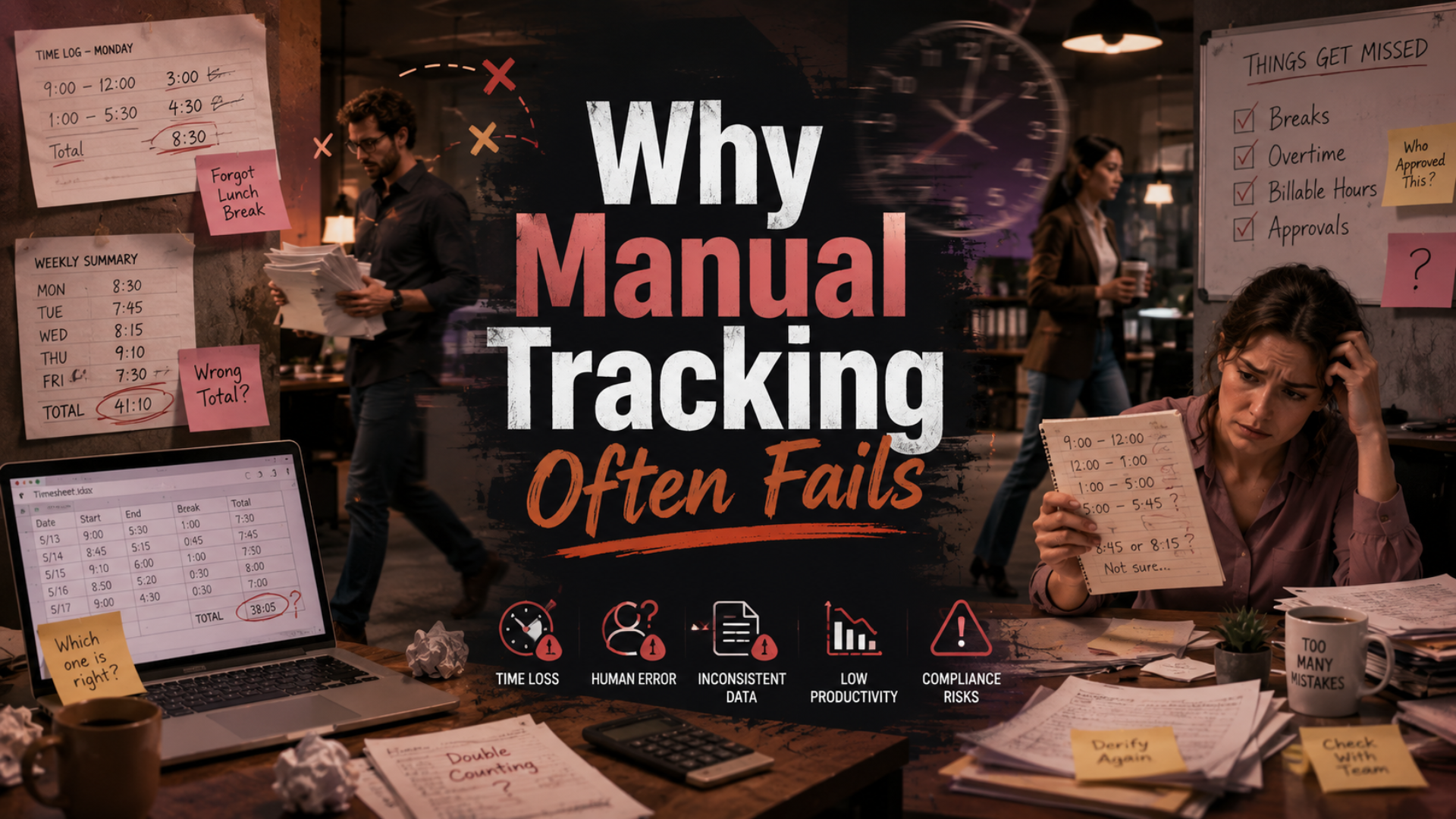
Manual calculation feels manageable until schedules get busy.
Common mistakes include:
- Forgetting break deductions
- Confusing AM and PM
- Rounding too early
- Missing part of a shift
- Miscalculating overnight work
Most payroll disputes do not happen because calculations are complex. They happen because small entries are missing or recorded incorrectly.
Better Habits for More Accurate Tracking
Even the best tool works better when paired with simple habits.
Record Times Immediately
Do not wait until the end of the day to remember your schedule.
Log Breaks Right Away
Breaks are usually the first detail people forget.
Review Before Finishing
A quick end-of-day check can catch missing entries.
Track Weekly Totals
Daily accuracy matters, but weekly patterns often reveal more useful insights.
These habits help you understand not only how long you worked today, but how your overall workload changes over time.
Why Consistency Matters More Than Complexity
Many people think they need advanced software to track time properly. In reality, consistency matters far more than complicated features.
A simple daily routine helps you:
- Identify overtime trends
- Understand how long tasks actually take
- Improve schedule planning
- Reduce payroll surprises
That is where reliable digital tools become especially useful. If you consistently record time, the data becomes valuable for future decisions.
More than 300 words after the earlier mention, many workers still search for a timecard calculator free solution because speed, simplicity, and accessibility often matter more than advanced reporting features.
Can It Help With Payroll Accuracy?
Absolutely.
Payroll depends on clean inputs. If work hours are entered incorrectly, every calculation that follows becomes unreliable.
A dependable time click calculator improves payroll by:
- Reducing manual errors
- Speeding up hour calculations
- Making overtime easier to verify
- Creating clearer work records
For employers, this means smoother payroll processing. For workers, it means greater confidence in every paycheck.
You can also watch this video: Emp Monitor | Boost Workplace Productivity with Employee Monitoring Software.
Summary
Knowing exactly how long you worked should never feel complicated. A Time Click Calculator makes time tracking faster, improves payroll accuracy, reduces mistakes, and helps you understand how your day is actually spent. Whether you work fixed shifts, flexible hours, or client-based projects, accurate records lead to better decisions over time. The real value is not only seeing today’s total—it is building a consistent habit that makes future planning easier, smarter, and more dependable.
Quick Questions People Often Ask
How do I calculate hours with lunch breaks?
Subtract the unpaid break time from the total time between clock-in and clock-out.
Can it handle overtime?
Yes. Once regular hours are calculated, overtime becomes much easier to identify.
What if my shift crosses midnight?
A proper digital calculator can handle overnight shifts without confusion.
Is it useful for freelancers?
Definitely. Accurate time tracking supports invoicing, project estimates, and better workload planning.
Comments
Post a Comment