What Is Keystroke Monitoring? Benefits, Risks, and How It Impacts Workplace Productivity
Have you ever wondered how businesses understand employee computer activity or ensure productivity during working hours? Are companies really tracking what workers type, or is that just a misconception?
The answer is that some organizations use digital tracking tools to gain insights into employee activity, cybersecurity risks, and performance patterns. One method includes monitoring keyboard activity, but how it works—and whether it is ethical—depends entirely on company policies, transparency, and purpose.
In simple terms, keystroke tracking refers to software that records keyboard activity on a device to understand usage patterns, security risks, or productivity trends. Businesses often use it alongside time tracking, screen monitoring, or workflow analytics to improve operations and maintain compliance.
What Is Keystroke Monitoring?
Keystroke monitoring is a workplace or device tracking method that records keyboard inputs made on a computer or digital system. Organizations may use this information to analyze employee activity, strengthen cybersecurity, or ensure company devices are being used appropriately.
Depending on the software and company policy, monitoring may include:
- Application usage tracking
- Login activity records
- Time spent on tasks
- Typing frequency and activity levels
- Suspicious behavior detection for cybersecurity
However, responsible companies typically disclose monitoring practices to employees and comply with local privacy laws.
Why Do Companies Use Employee Monitoring Tools?
Businesses use monitoring software for different reasons beyond simply tracking employee behavior.
1. Improving Productivity Insights
Managers often want visibility into how teams spend their time. Instead of relying on assumptions, tracking tools help identify bottlenecks, workload imbalances, or inefficient workflows.
For example:
- Are employees spending excessive time switching between apps?
- Are repetitive tasks slowing down project completion?
- Is workload distributed fairly across teams?
These insights can help improve work efficiency by identifying process gaps rather than blaming employees.
2. Strengthening Cybersecurity
Organizations handling sensitive information often monitor systems to reduce security risks.
Monitoring tools may help detect:
- Unauthorized access attempts
- Suspicious data transfers
- Insider threats
- Unusual login patterns
This becomes especially important in industries such as finance, healthcare, and technology.
3. Supporting Remote Workforce Management
With hybrid and remote work becoming common, employers often need better visibility into task progress.
Instead of focusing only on hours worked, many businesses use activity tracking to understand:
- Project completion rates
- Engagement levels
- Software usage trends
- Team collaboration habits
When implemented transparently, monitoring can support accountability without creating unnecessary pressure.
How Does Keystroke Tracking Actually Work?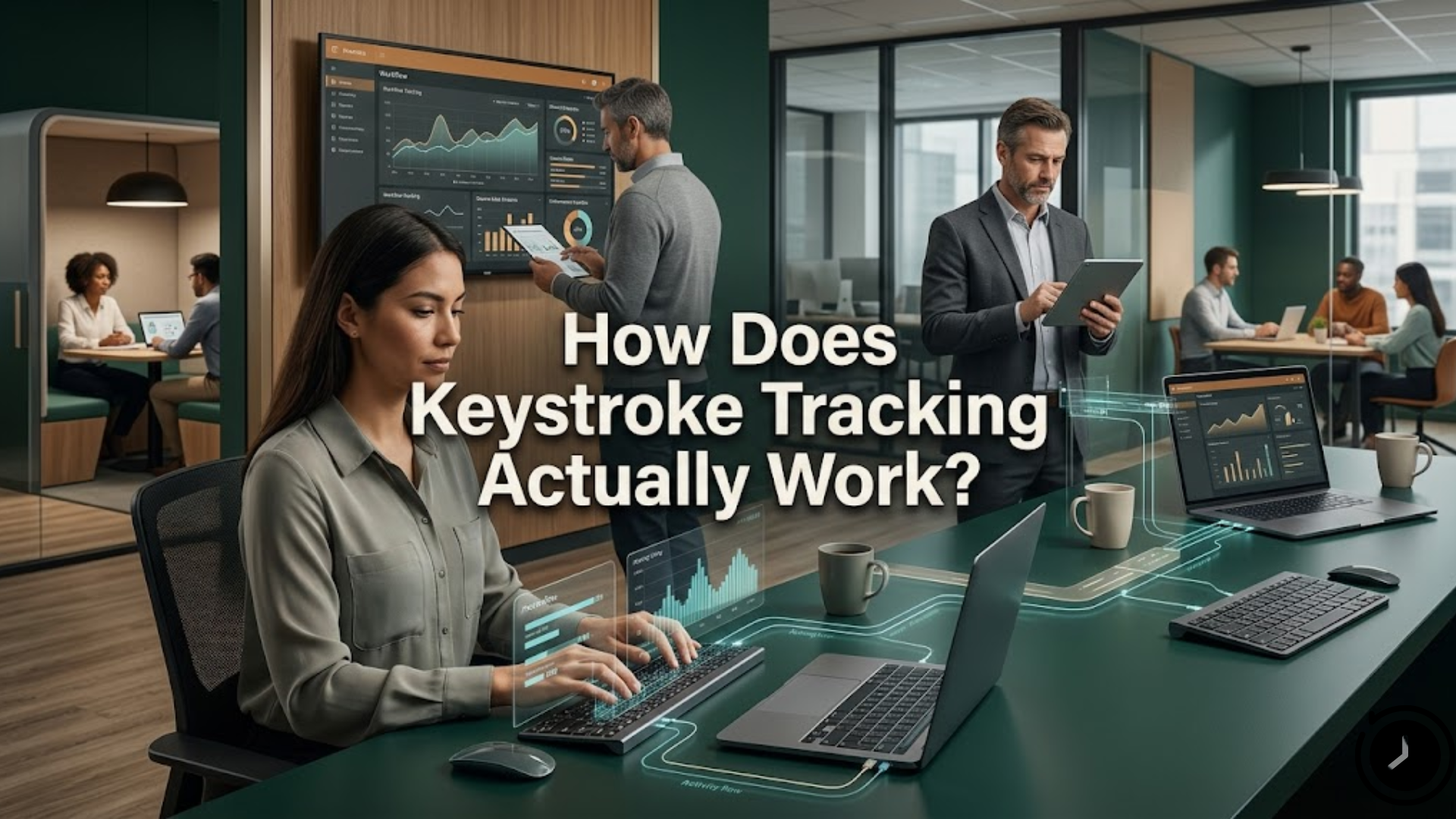
The technical process is usually simpler than people imagine.
Most tracking tools work by:
- Installing monitoring software on company-owned devices
- Recording activity patterns or keyboard interactions
- Generating reports for managers or administrators
- Highlighting unusual or risky activity
Some systems only track productivity metrics, while others may log detailed keyboard activity. The level of tracking depends on organizational goals and legal limitations.
Because privacy concerns exist, many organizations prioritize transparency and communicate what data is collected and why.
Benefits of Employee Activity Monitoring
When used ethically, workplace monitoring can offer measurable advantages.
Better Performance Visibility
Managers gain clearer insights into workloads and operational delays.
Improved Workflow Optimization
Tracking tools can reveal inefficiencies that slow project delivery, helping teams streamline daily operations.
Stronger Data Protection
Monitoring systems help organizations identify suspicious behavior before it becomes a major cybersecurity issue.
More Accurate Resource Allocation
Businesses can better understand staffing requirements and project timelines based on actual activity trends.
Over time, organizations may use these insights to improve collaboration, reduce wasted effort, and create healthier productivity expectations.
Potential Risks and Concerns
Despite the benefits, employee monitoring also raises important concerns.
Privacy Issues
Employees may feel uncomfortable if monitoring lacks transparency or becomes overly intrusive.
Reduced Trust
Excessive tracking can create workplace anxiety, lowering morale and employee satisfaction.
Misinterpreting Productivity
Typing speed or activity levels do not always reflect performance quality. Creative thinking, meetings, and planning may involve little keyboard activity but still contribute significantly to outcomes.
This is why businesses should avoid relying solely on digital tracking metrics to evaluate employee success.
More importantly, ethical organizations balance oversight with employee autonomy and communication.
After several workflow improvements and productivity evaluations, companies often discover that smarter systems—not constant surveillance—drive better outcomes. In many cases, improving internal processes naturally enhances keystroke monitoring effectiveness when used responsibly as one part of a broader productivity strategy.
Best Practices for Ethical Employee Monitoring
Organizations considering monitoring systems should follow responsible practices.
Be Transparent
Clearly explain:
- What is being tracked
- Why it is tracked
- How information will be used
Follow Privacy Laws
Different regions have different workplace monitoring regulations. Businesses should ensure legal compliance before implementing tracking systems.
Focus on Outcomes
Productivity should be measured by performance, quality, and results—not just activity metrics.
Use Monitoring as a Support Tool
The goal should be operational improvement, not employee micromanagement.
You can also watch this video: Emp Monitor | Boost Workplace Productivity with Employee Monitoring Software.
Summary
Keystroke monitoring technologies have become more common as businesses adapt to remote work, cybersecurity challenges, and productivity management. While tracking tools can help organizations improve workflows and operational visibility, their effectiveness depends on transparency and responsible implementation. Companies that clearly communicate expectations, respect employee privacy, and focus on meaningful performance metrics often create healthier workplace environments. Rather than treating monitoring as surveillance, organizations benefit most when it supports productivity, accountability, and smarter decision-making.
FAQ
Is keystroke tracking legal?
Yes, in many regions it is legal, particularly on company-owned devices. However, laws vary depending on the country, employee consent requirements, and workplace policies.
Do all companies monitor employee typing?
No. Many businesses use broader productivity tools rather than detailed keyboard tracking.
Can employee monitoring improve productivity?
It can help identify workflow inefficiencies and operational bottlenecks, but results depend on how responsibly the system is implemented.
Does keyboard activity always measure productivity?
Not necessarily. Many important tasks—such as planning, brainstorming, or meetings—may involve limited keyboard use but still contribute to performance.
What is the main purpose of monitoring tools?
Most organizations use them for productivity insights, cybersecurity protection, workflow analysis, and operational accountability.
Comments
Post a Comment