BYOD Management: Best Practices to Secure Devices and Improve Workplace Productivity
Are employees using personal smartphones, tablets, or laptops for work in your organization? If so, how do you protect company data without invading employee privacy?
BYOD management refers to the policies, tools, and security measures organizations use to manage employee-owned devices that access workplace systems, apps, or confidential business information. It helps businesses balance flexibility with security while ensuring productivity does not suffer.
Companies increasingly support Bring Your Own Device (BYOD) policies because employees prefer using familiar devices. However, without proper management, organizations face risks such as data leaks, malware attacks, and unauthorized access.
In simple terms, an effective BYOD strategy allows employees to work efficiently while keeping company information secure.
Why Businesses Are Adopting BYOD Policies
Modern workplaces value flexibility, especially with hybrid and remote work becoming standard. BYOD management policies reduce hardware expenses while helping employees stay productive.
Some of the key benefits include:
- Lower operational costs because companies purchase fewer devices
- Higher employee satisfaction due to familiarity with personal devices
- Increased productivity as employees can work from anywhere
- Faster onboarding with reduced device setup requirements
Employees often work more comfortably when using devices they already know, which can reduce technical friction and improve efficiency.
Common Security Risks of BYOD
While BYOD brings convenience, it also introduces challenges that businesses cannot ignore.
Data Security Concerns
Personal devices may not always follow company-level security standards. Weak passwords, outdated software, or unsecured apps can expose sensitive information.
Common risks include:
- Lost or stolen devices
- Malware infections
- Unsecured public Wi-Fi usage
- Unauthorized data sharing
- Weak authentication practices
Privacy Challenges
Organizations must protect corporate data without over-monitoring employees’ personal information. Striking this balance is one of the biggest difficulties companies face when implementing BYOD policies.
Clear communication and transparent policies help reduce concerns around privacy.
Essential Components of a Successful BYOD Policy
A strong BYOD framework should define clear expectations for both employers and employees.
1. Device Eligibility Rules
Organizations should outline:
- Which devices are approved
- Required operating system versions
- Minimum security standards
- Software compatibility requirements
2. Strong Security Measures
Security should always be the top priority. Businesses can improve protection by implementing:
- Multi-factor authentication (MFA)
- Device encryption
- Secure VPN access
- Regular software updates
- Remote wipe capabilities
These safeguards reduce the likelihood of unauthorized access if devices are compromised.
3. Access Control Policies
Not every employee needs access to every system. Businesses should apply role-based permissions to limit exposure to sensitive information.
For example, finance teams may access accounting software, while marketing teams only use approved collaboration platforms.
How BYOD Supports Workplace Productivity
When managed correctly, BYOD can improve workflow efficiency and communication across teams.
Employees can:
- Respond faster to work requests
- Access business apps remotely
- Collaborate without location restrictions
- Stay connected during travel
Organizations combining BYOD practices with visual project management tools often notice smoother task coordination. Visual dashboards help employees monitor priorities, deadlines, and progress regardless of the device they use.
This becomes especially useful for distributed teams working across multiple locations or time zones.
Best Practices for Implementing a Secure BYOD Strategy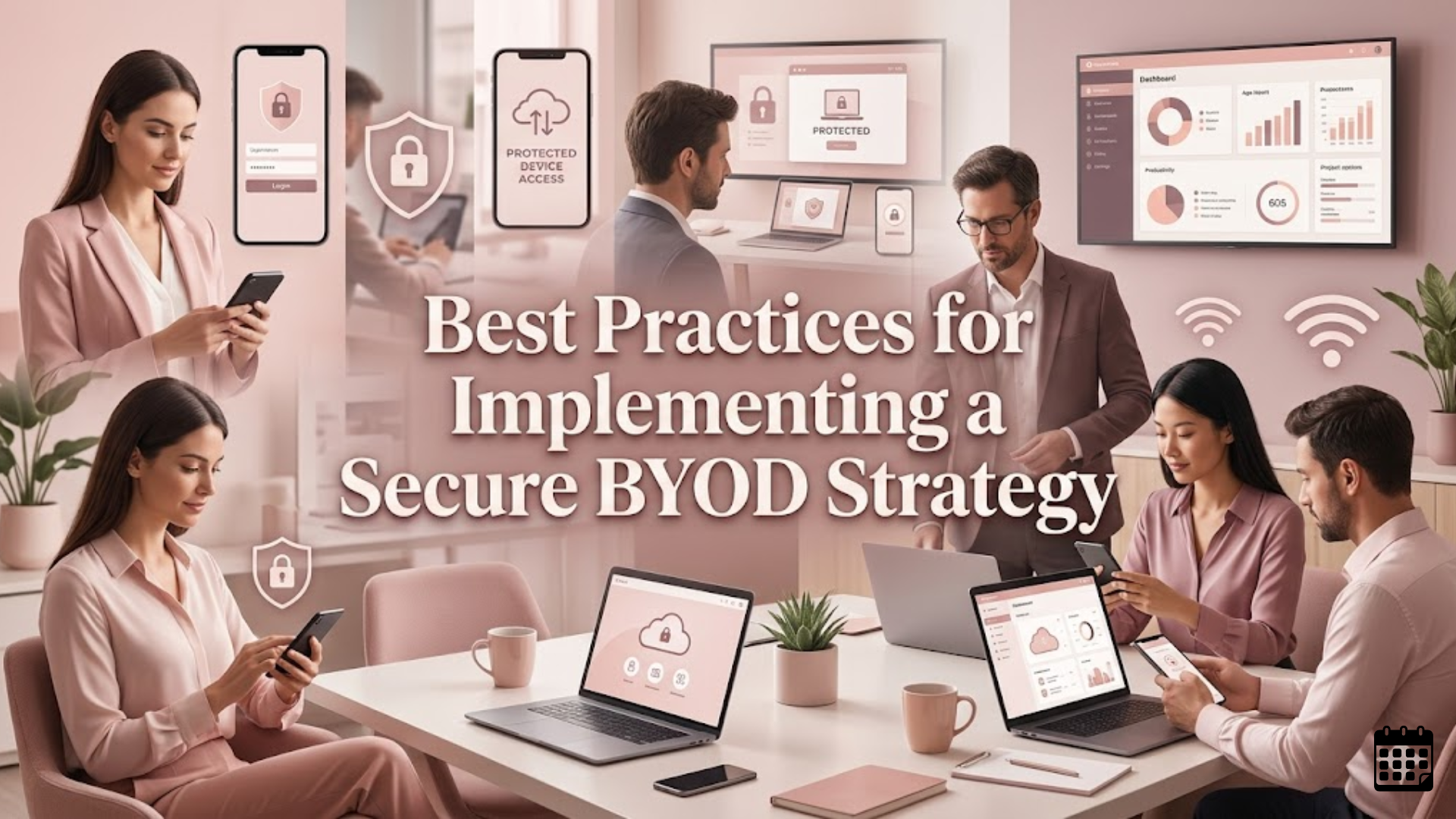
Creating a successful BYOD environment requires more than simply allowing personal devices in the workplace.
Create Clear Usage Policies
Employees should understand:
- What is allowed on work-connected devices
- Which apps are prohibited
- Security responsibilities
- Reporting procedures for lost devices
Train Employees Regularly
Cybersecurity awareness matters. Regular training helps employees recognize phishing attacks, suspicious downloads, and unsafe online behavior.
Use Mobile Device Management Tools
IT teams often rely on centralized systems to monitor device compliance, enforce security updates, and separate personal and work-related data.
This helps businesses maintain oversight without intruding on personal privacy.
Review Policies Frequently
Technology evolves quickly. Organizations should revisit policies regularly to ensure they match current security risks and employee needs.
After several months of implementation, companies often discover opportunities to improve flexibility while strengthening protection.
More importantly, successful byod management depends on balancing usability with security. Overly restrictive rules may frustrate employees, while weak controls increase organizational risk.
You can also watch this video: Emp Monitor | Boost Workplace Productivity with Employee Monitoring Software.
Summary
Businesses today need flexibility without sacrificing security. A well-planned BYOD strategy allows employees to use familiar devices while maintaining data protection standards. Effective byod management requires strong security protocols, clear employee guidelines, role-based access controls, and ongoing training. When implemented correctly, it can improve employee productivity, support remote work, and reduce hardware costs while minimizing cybersecurity risks.
FAQ
What does BYOD stand for?
BYOD stands for Bring Your Own Device, a workplace policy where employees use personal devices for professional tasks.
Is BYOD safe for businesses?
Yes, BYOD can be safe when businesses implement strong security controls such as encryption, MFA, VPN access, and device monitoring.
What are the biggest risks of BYOD?
The main risks include data breaches, lost devices, malware infections, weak passwords, and unauthorized access to company systems.
How can companies secure employee devices?
Businesses can secure devices through security policies, employee training, mobile device management software, encryption, and access restrictions.
Why do companies use BYOD policies?
Organizations adopt BYOD policies to reduce costs, improve flexibility, increase employee satisfaction, and support remote or hybrid work.
Comments
Post a Comment