Laptop Tracker: How It Helps Businesses Improve Security and Device Management
What happens when an employee misplaces a company laptop? How can businesses protect sensitive information when devices are used remotely? These are common concerns for organizations managing distributed teams, hybrid workplaces, or field employees.
A laptop tracker is a system designed to help businesses monitor, locate, and manage company-owned laptops. It improves visibility into device activity, strengthens security, and supports better asset management. Many organizations use tracking tools to reduce theft risks, recover lost devices, and ensure workplace accountability.
Whether your workforce operates remotely or from the office, having a reliable way to manage laptops can help reduce downtime, improve compliance, and protect valuable business data.
What Is a Laptop Tracking System?
A laptop tracking system is software that helps organizations monitor the status, location, and usage of laptops issued to employees. Depending on the solution, it may offer features such as:
- Device location tracking
- Usage monitoring
- Security alerts
- Remote access management
- Asset inventory tracking
- Data protection features
Businesses often use these tools to maintain operational control and improve cybersecurity. In industries handling confidential information, device monitoring can help prevent unauthorized access and reduce security risks.
Why Businesses Need Better Laptop Monitoring
Company laptops are no longer restricted to office spaces. Employees work from home, travel frequently, and access sensitive files from multiple locations. This flexibility creates new risks for employers.
Here are some common challenges businesses face:
Lost or Stolen Devices
A missing laptop can expose sensitive company information. Tracking solutions help organizations identify device locations and take quick action when laptops are lost.
Data Security Concerns
Remote work increases cybersecurity risks. Businesses need systems that monitor unauthorized activity, suspicious logins, or unsafe device usage.
Poor Asset Visibility
Without proper tracking, organizations may struggle to know:
- Which employee has which laptop
- Device health and maintenance needs
- Software updates and compliance status
- Overall laptop usage patterns
A centralized monitoring approach helps businesses stay organized and proactive.
Key Features to Look for in a Device Tracking Tool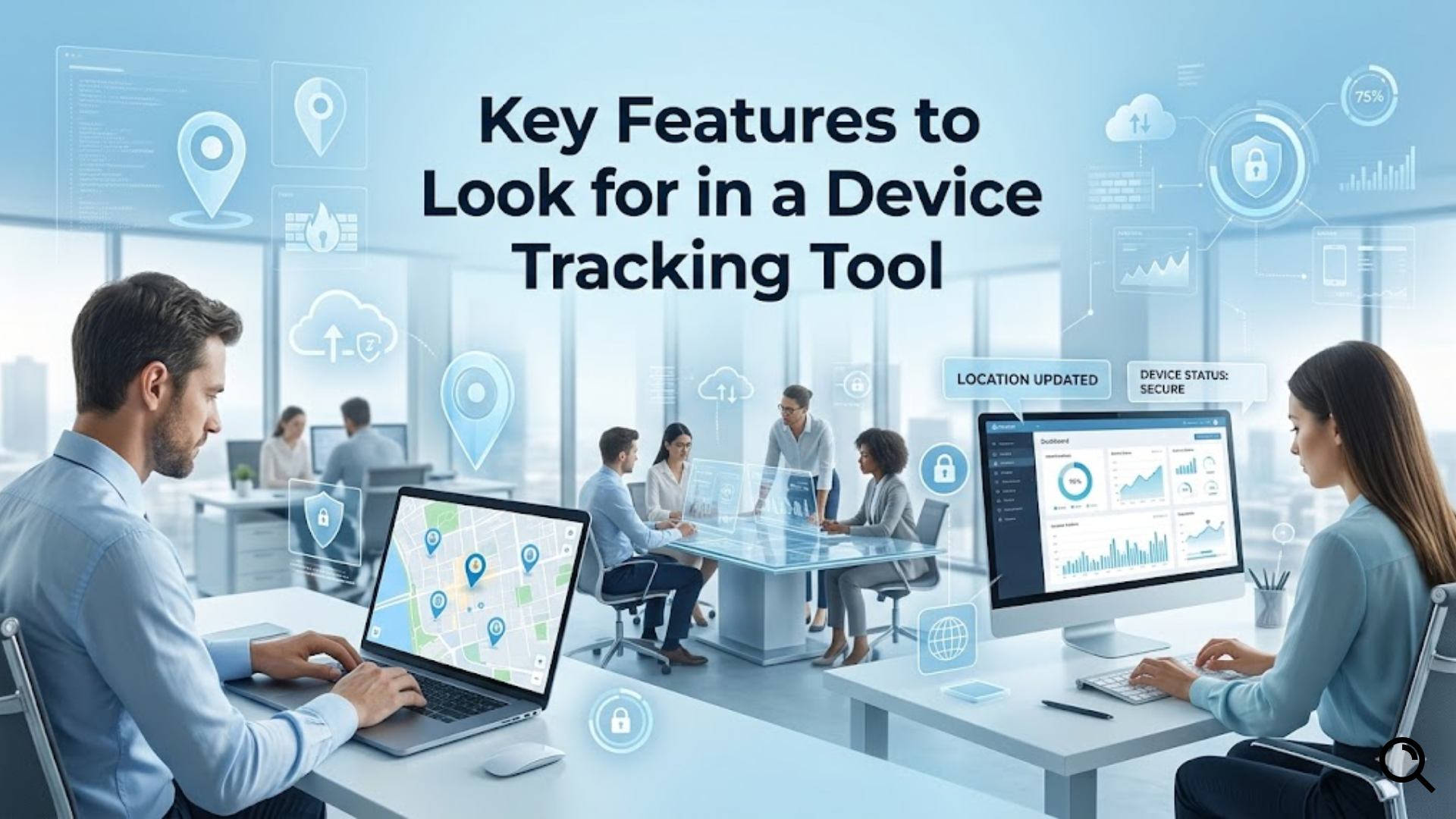
Not all tracking tools offer the same capabilities. Businesses should focus on features that improve visibility, security, and ease of management.
1. Real-Time Location Tracking
Location tracking helps organizations identify where devices are being used. This can be useful when employees travel or when equipment goes missing.
2. Remote Device Management
Administrators should be able to lock devices, wipe sensitive data, or troubleshoot systems remotely when necessary.
3. Activity Monitoring
Monitoring activity provides insight into laptop usage and helps identify unusual behavior patterns that may indicate security threats.
4. Security Alerts
Automated notifications can warn businesses about:
- Unauthorized access attempts
- Unusual login behavior
- Disabled security settings
- Potential policy violations
5. Reporting and Analytics
Reports help businesses understand laptop performance, usage trends, and compliance levels across teams.
How Laptop Tracking Improves Workplace Efficiency
Tracking systems do more than protect devices. They can also improve business productivity.
Organizations benefit from:
- Better accountability for company assets
- Reduced hardware losses
- Faster IT support and troubleshooting
- Improved compliance with internal policies
- Greater visibility into remote workforce operations
For companies managing large teams, centralized device monitoring reduces confusion and improves operational efficiency.
Many businesses also combine tracking systems with employee monitoring software for mac to gain deeper insights into device activity, employee productivity, and workflow performance. This combination helps organizations balance operational oversight with security needs.
Common Industries That Benefit From Laptop Monitoring
Several industries rely heavily on company laptops and sensitive information, making tracking systems especially valuable.
IT and Technology Companies
Tech businesses often manage remote teams with access to confidential systems and client information.
Healthcare Organizations
Healthcare providers must protect patient data and maintain strict compliance standards.
Financial Services
Banks and financial firms need stronger safeguards against data leaks and unauthorized access.
Education and Training
Educational institutions often distribute laptops to staff and students, making device tracking essential.
More importantly, organizations using a laptop tracker can streamline asset management while reducing risks related to device theft and operational disruptions.
Best Practices for Using Laptop Monitoring Tools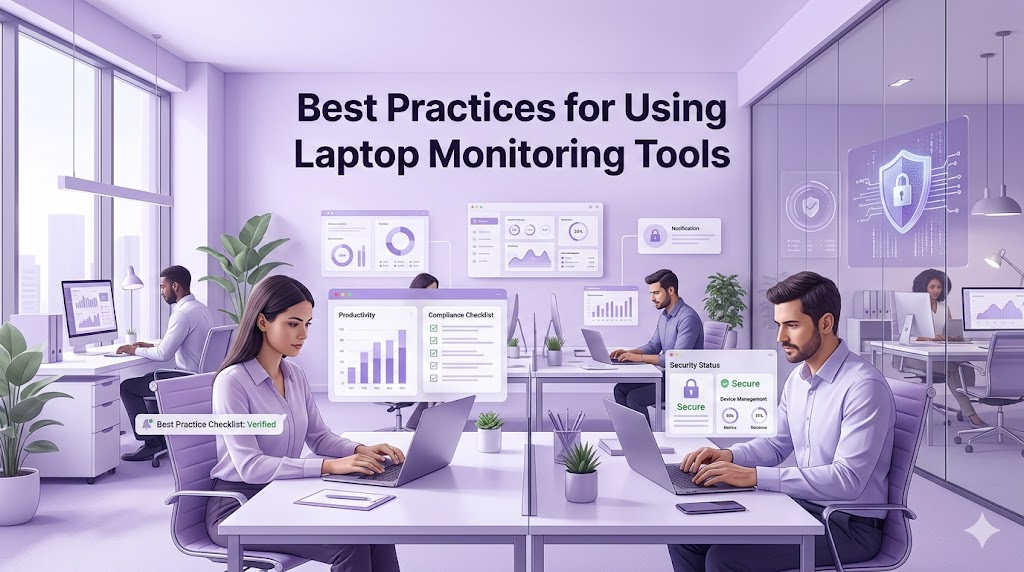
To maximize benefits, businesses should follow clear policies and ethical monitoring practices.
Create Transparent Policies
Employees should understand:
- What data is being monitored
- Why monitoring exists
- How information is protected
Prioritize Security
Enable encryption, secure passwords, and regular software updates to strengthen device protection.
Review Reports Regularly
Consistent monitoring helps identify performance issues and security concerns before they become larger problems.
After implementing a structured monitoring strategy, some organizations also explore productivity tools and employee monitoring software for mac to improve workforce visibility while maintaining operational standards.
You can also watch this video: Emp Monitor | Boost Workplace Productivity with Employee Monitoring Software.
Summary
A laptop tracker helps businesses improve device visibility, strengthen data security, and reduce risks associated with lost or unmanaged laptops. As remote and hybrid work continue to grow, organizations need reliable systems to monitor company devices effectively. By choosing the right tracking solution and implementing clear workplace policies, businesses can improve accountability, protect sensitive information, and support long-term operational efficiency.
FAQ
What is laptop tracking software used for?
Laptop tracking software helps businesses monitor device locations, usage, and security to protect company-owned laptops and sensitive data.
Can businesses track employee laptops remotely?
Yes. Many tracking systems allow organizations to monitor laptops remotely, manage devices, and respond quickly to security risks.
Is laptop tracking legal for businesses?
In many regions, businesses can monitor company-owned devices if employees are informed and monitoring complies with local laws and workplace policies.
How does laptop tracking improve security?
Tracking tools help businesses identify suspicious activity, recover lost devices, and remotely secure sensitive information.
Should small businesses use laptop monitoring tools?
Yes. Small businesses can benefit from better asset management, reduced theft risks, and improved device visibility.
Comments
Post a Comment