Live Screen Monitoring Software: Benefits, Features, and How It Improves Workplace Productivity
How can businesses ensure employees stay productive without micromanaging? Is there a smarter way to identify workflow bottlenecks, improve accountability, and support remote teams?
The answer lies in live screen monitoring software—a technology that helps businesses gain real-time visibility into employee activities while improving operational transparency. Instead of relying on assumptions or delayed reports, managers can instantly understand workflows, identify inefficiencies, and offer support when needed.
At its core, screen monitoring allows organizations to view employee computer activity in real time. This visibility helps businesses maintain productivity, strengthen compliance, and improve team performance without disrupting day-to-day work.
What Is Live Screen Monitoring?
Live screen monitoring is a workplace management method that allows supervisors or administrators to observe employee computer screens in real time. Businesses use it to understand task progress, verify work activity, improve accountability, and protect sensitive company information.
Unlike traditional tracking methods that only generate reports after work is completed, live monitoring provides immediate visibility into what is happening at any given moment.
Common use cases include:
- Managing remote and hybrid teams
- Improving employee productivity
- Detecting workflow interruptions
- Ensuring compliance with company policies
- Preventing security risks or data misuse
For industries handling sensitive information, such as finance, healthcare, or customer support, this level of oversight can reduce operational risks while maintaining quality standards.
Why Businesses Are Investing in Employee Visibility Tools
Modern workplaces have changed dramatically. With distributed teams and flexible work arrangements becoming more common, employers often lack visibility into daily workflows.
Businesses are increasingly adopting monitoring solutions because they help answer important operational questions:
Are Employees Spending Time on High-Value Tasks?
Managers can quickly identify whether time is spent on productive activities or unnecessary distractions.
Are Teams Facing Workflow Bottlenecks?
Real-time insights make it easier to detect delays, repeated issues, or process inefficiencies before they become larger problems.
Is Company Data Being Handled Securely?
Monitoring tools can support internal compliance by helping organizations ensure employees follow security protocols.
The goal is not excessive oversight—it is creating clarity around work patterns and improving efficiency.
Key Features to Look for in Monitoring Solutions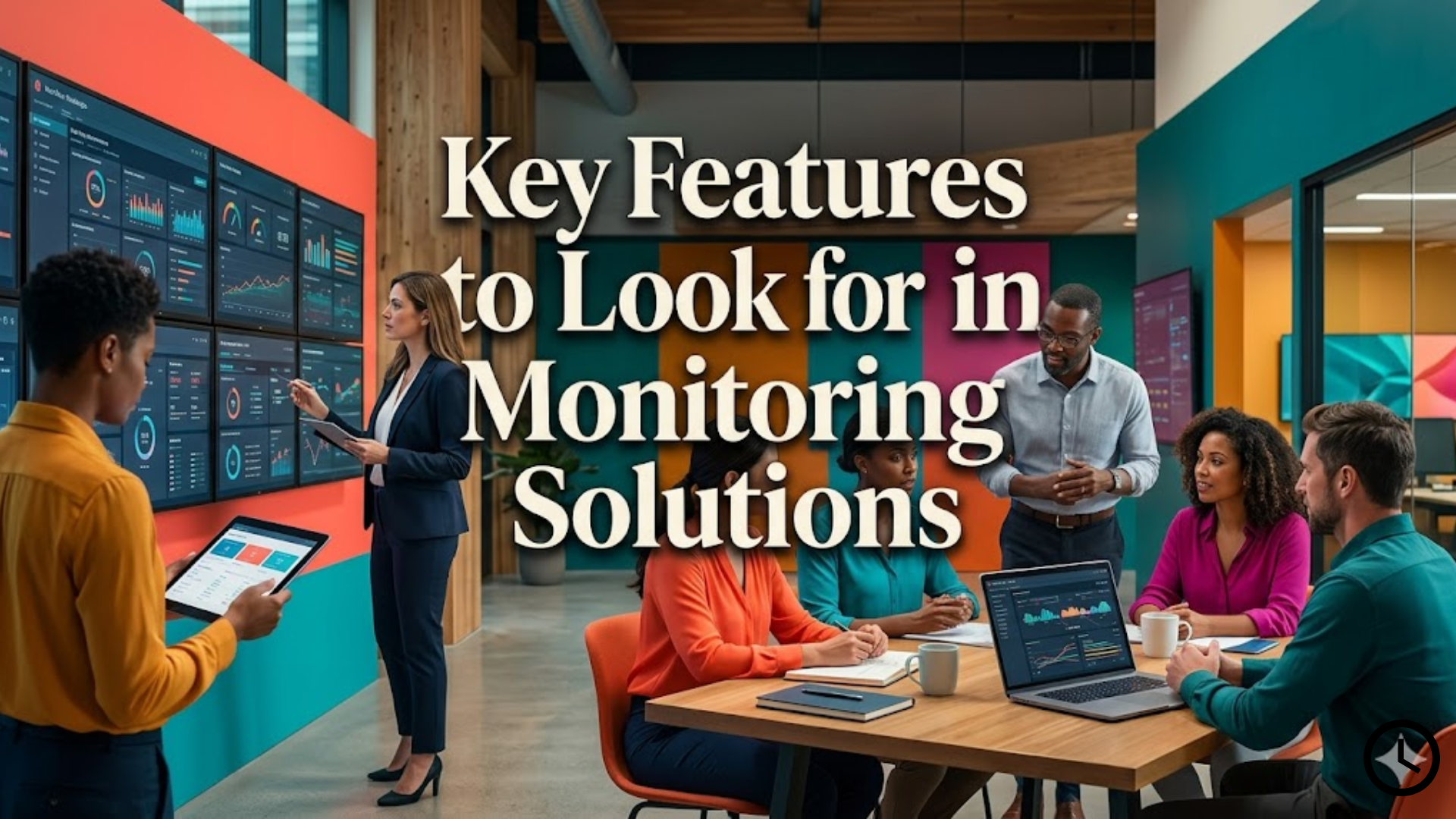
Not every employee tracking platform offers the same capabilities. Before selecting a tool, businesses should prioritize features that genuinely improve visibility and performance.
Real-Time Screen Viewing
The most valuable feature is the ability to view active employee screens instantly. This helps managers understand current progress without interrupting workflows.
Activity Tracking
Look for tools that provide insights into:
- Active versus idle time
- App and website usage
- Task duration
- Work patterns and productivity trends
Productivity Reporting
Detailed analytics can help leaders understand where time is being spent and whether resources are aligned with business goals.
Alerts and Notifications
Some platforms notify administrators when unusual activity occurs, such as unauthorized software access or suspicious behavior.
Privacy Controls
Strong employee transparency settings are essential. Ethical monitoring should include clear communication about what is being tracked and why.
How Monitoring Technology Supports Workforce Productivity
Many organizations use workforce monitoring software to improve operational efficiency while maintaining accountability across departments.
Rather than simply measuring attendance, these platforms reveal how work actually gets completed. Managers can identify skill gaps, recognize high-performing employees, and support struggling team members with targeted coaching.
When implemented responsibly, monitoring technology can improve:
- Team accountability – Employees gain clearer expectations around performance.
- Time management – Businesses can reduce wasted hours and improve focus.
- Remote work efficiency – Supervisors stay informed without constant check-ins.
- Project transparency – Teams understand workloads and deadlines more clearly.
The best outcomes happen when organizations position monitoring as a productivity support system rather than a surveillance mechanism.
Best Practices for Ethical Employee Monitoring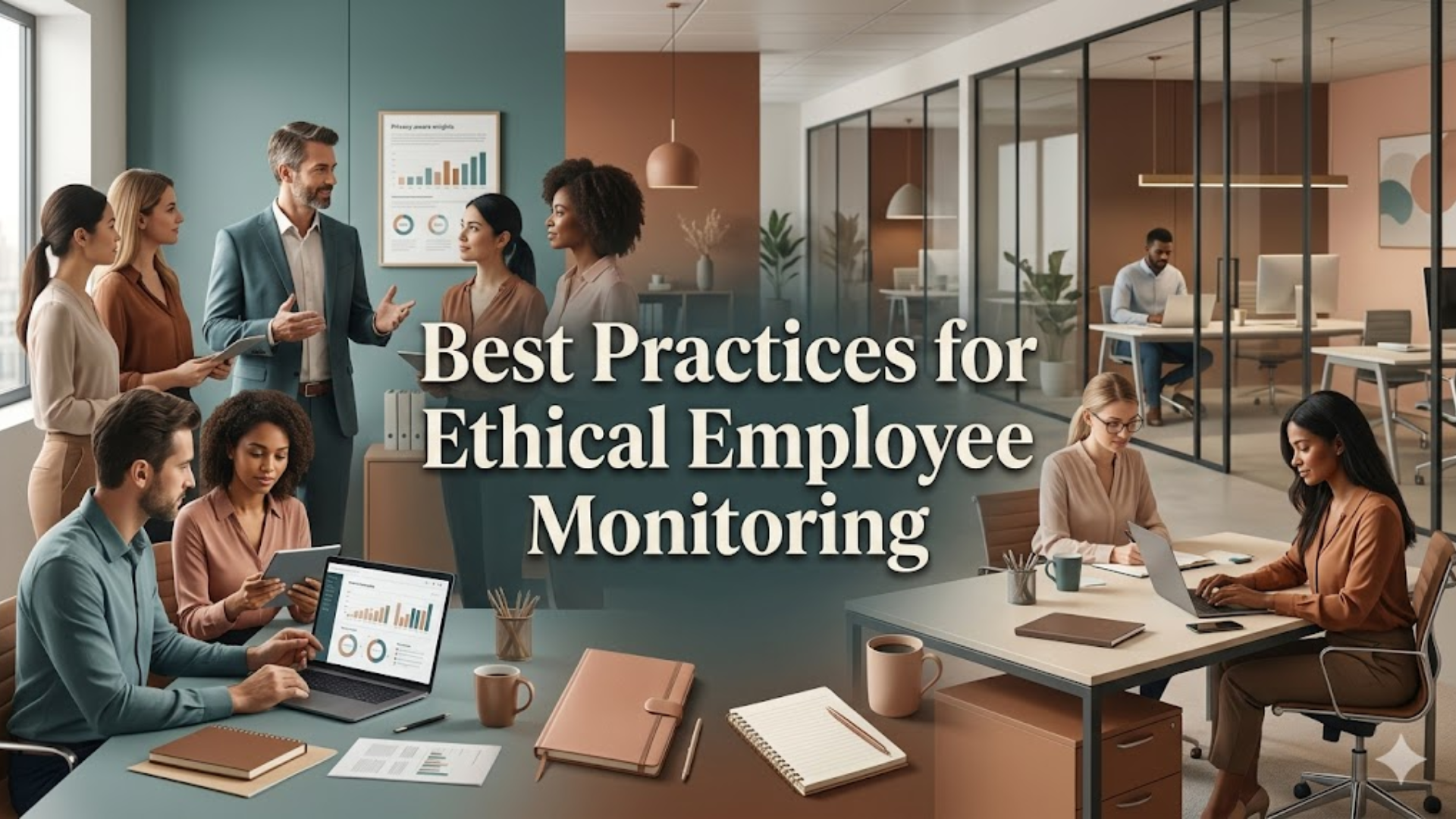
Businesses should approach workplace monitoring carefully to maintain trust.
Here are a few recommended practices:
Be Transparent
Employees should clearly understand what data is being monitored and the purpose behind it.
Focus on Productivity, Not Micromanagement
Monitoring should support performance improvements rather than create unnecessary pressure.
Respect Privacy Boundaries
Avoid excessive tracking unrelated to work performance.
Use Insights for Coaching
Monitoring data becomes more valuable when used to identify training opportunities and improve team performance.
A balanced approach helps companies create healthier, more productive workplaces.
You can also watch this video: Emp Monitor | Boost Workplace Productivity with Employee Monitoring Software.
Summary
Live screen monitoring software helps businesses gain real-time visibility into employee workflows, improve productivity, and strengthen accountability across teams. By providing instant insights into work activity, organizations can identify inefficiencies, support remote employees, and maintain operational transparency. When combined with ethical policies and employee communication, monitoring tools become powerful business-enablement systems rather than intrusive oversight methods. Companies that prioritize visibility, trust, and productivity often see stronger performance outcomes and better workflow management.
FAQ
What is live screen monitoring?
It is a method that allows employers or managers to view employee computer activity in real time to improve visibility, productivity, and workflow efficiency.
Is screen monitoring legal?
In many regions, yes—provided businesses follow local labor laws, maintain transparency, and inform employees about monitoring practices.
Can monitoring software improve productivity?
Yes. It can identify inefficiencies, reduce distractions, and help managers support employees with better coaching and workflow optimization.
Who should use workforce monitoring tools?
Remote teams, hybrid workplaces, customer service departments, IT teams, and businesses managing distributed employees often benefit most.
Does monitoring mean micromanagement?
Not necessarily. When used ethically, monitoring helps businesses improve workflows and provide support rather than control every action.
Comments
Post a Comment